connecting the dots
how the computer works
If a Linux Distribution is, as previously discussed, a collection of packages that have been built and linked together, then really what it is, as you consume it on a running system, is called your “filesystem root.” Meaning that those packages contain files, information on where to put them, and maybe some scripts to describe how to link them into other parts of your system (or rather, the result of having run those scripts).
When your computer boots, the motherboard firmware hands off to a configured EFI endpoint (on a modern system, at least), which is some kind of bootloader such as GRUB or systemd-boot, which is configured to find your distribution’s installed kernel and initrd. This wakes up with enough configuration to know where your filesystem root is, and the instructions to set things up like mounts, maybe networking information (or maybe that’s later, it’s complicated), extra hardware device drivers (sometimes), stuff like that. It will eventually hand off to your init system to finalize most of this stuff and get the services you need up and running.
Most Linux desktop users experience a loading screen of some kind, or some rapid-fire text logs, before suddenly being dropped off at a display manager like GDM or SDDM. By the time you land there, all of the above has completed. This happens because your filesystem was structured so that this chained discovery and setup process had been organized to make it happen.
We can organize it to do some pretty funky stuff, like OSTree does. OSTree maintains a collection of content-addressable
blobs (meaning, basically, arbitrary files whose contents don’t matter named for their hash) in /sysroot/ostree/repo,
and as part of that initrd process above, looks up basically a giant tree of which of those blobs are supposed to go
where from an ostree commit. It then
hard links the right files to the right places, or at least reconciles the
collection of hard links, so as to construct a certain state of the filesystem root that would have the outcome
described by that commit - meaning the way the system boots and what’s there when it does.
As an example, you might have a commit that has a basic shell set up and drops you into a terminal when the system
boots. You might add another commit on top that says “do everything that did, but also include this extra bit of files
that result from when the fastfetch package has been installed.” Rebasing from the first commit to the second there
means that during the boot process, those extra files are hardlinked into place (during system boot) and would be
available to you from the shell.
libostree describes how the system can boot from such a content-addressable system in an atomic way (which is a great start!). There’s another couple of pieces of this puzzle, though. How do you build those commits of desired state? How do you distribute them? As discussed recently, rpm-ostree can build a libostree repo and commits from rpm package content (which is the package format that distributions like RHEL, Fedora, and openSUSE use). Distributing the repo is then as simple as putting it behind a webserver, as libostree knows how to watch a “remote” for changes to its repo. rpm-ostree also supports package installation on a running system, through a system called layering, which has some pros and cons that are too nuanced to talk deeply about here.
the status quo, as of today
libostree and rpm-ostree are great for enterprises who want to build a common base image, but for a regular user it’s got some sharp, rough edges. The CoreOS guys, having shifted gears from the Gentoo-based Container Linux to using rpm-ostree, turned their minimal container-native server operating system into Fedora CoreOS. For people looking to consume a generic, minimal OS ready to handle containerized workloads, letting the Fedora Project handle the complexity of building and publishing the OSTree repo was great. Customizing it, beyond just running applications in containers, was a bit clunky for some (Butane/Ignition can do a lot, but nobody would say they’re ergonomic or easy for a newcomer to pick up). That’s where Fedora IoT stepped in with tooling, namely OSBuild to try to make it easier to build completely custom OSTree repos. Adoption outside of big enterprise users, as far as I’ve been able to tell, was generally pretty low. As long as your use-case didn’t require customization, inheriting the distribution-maintained images worked better for people than owning this whole problem set. Reminds me a lot of Nix, frankly, in terms of uptake, adoption, community reception, etc.
So, seeing that this atomic, somewhat bulletproof distribution format had legs, The Fedora Project created pipelines that built an OSTree repo from the default selection of packages that went into Fedora Workstation, which is a specific flavor of Fedora that comes with GNOME and a good set of default packages out of the box, fresh after the installer. They called this special build of atomic Fedora Silverblue. It didn’t take long for people to ask for a bunch of other flavors of Fedora, and Kinoite came next. Being initially (and still at the time of this writing)1 built and distributed entirely with rpm-ostree means that you can “layer” packages on top when you need something that’s not provided by the distribution-provided OSTree commits. Really, the distribution makes clear that you should do this as little as possible and instead use Flatpak for most things you want to install beyond what comes out of the box. There are some idiosyncrasies with rpm-ostree installing a layered package, and if you can get away with a completely sandboxed application instead, it’s probably a better experience.
do not let us mistake necessary evils for good
If the consumer of a Linux distribution is just a regular user, and not a mega-nerd writing papers about atomicity in package management, having these things be effectively invisible to them is an amazing experience for them. Fedora, somewhat famously, has very stricy policies on what may be included in an official Fedora package, and therefore distribution release. It is upstream first, Open Source always. This, philosophically, is where I sit, too. Practically, though, NVIDIA has more than half of the desktop graphics card market share. The drivers needed to run their graphics cards are proprietary. Or, at least big chunks of the software to make them useful still are, even if the actual drivers themselves are now technically open source. One of my big use cases, personally, is gaming on Linux. I tend to prefer using Steam for accessing my games, because it’s a better experience, and also because Valve does a lot to make gaming on Linux better. But Steam is proprietary, as are most video games. The business model common in gaming and game distribution is at odds with the philosophy of this Linux distribution making it easy to consume their atomic images.
Atomic updates are great. Reliability goes through the roof, updates are less scary and more focused, rollbacks keep things from getting technical and complicated for normal users. Normal users don’t want to have to tweak their OS to make it able to do the things they want, and installing alternative repositories and configuring extra drivers through dkms or akmod definitely classifies as a tweak to a normal user, compared to a Linux nerd. Yes, I’m a Linux nerd. If you’re reading this, you almost certainly are, too. We’re not normal. That’s okay. Whatever’s wrong with me, it’s working.
An adjacent community project sprung up based around all of this, trying to bring the bulletproof reliability of Fedora Atomic Desktops to normal users. This community named itself Universal Blue. It would be remiss of me to neglect to mention the amazing work they’ve done with Bluefin, Aurora, and yes, of course, Bazzite. Without the strict open source scruples of the Fedora project, they set out to build desktops that were built to be used, out of the box, in ways that were tough to do in accordance with Fedora policies. The project is able to build on top of all of the work the Fedora project does, and then go the last mile to exactly their intent for what a usable system, proprietary warts and all, looks like.
Know how they build their images? You guessed it, bootc. They, of course, have a bunch of documentation on how to go about installing applications and customizing your UBlue distribution. This generally focuses on Flatpaks, userspace-installed apps through brew, or other custom tweaks that don’t interfere with bootc and libostree.
enough of the why, show me the what, the how
bootc works by building on top of libostree and OCI container images. Container images are an archive of files and metadata about how the image was built and how the image is intended to be run, by a container runtime like docker or podman. bootc skips this runtime piece, and uses the other OCI specifications - namely the image and distribution specifications. When bootc unpacks an image, it scaffolds up an OSTree repository with a commit that references the file content as it existed in the image. It effectively stitches together container image lifecycle with libostree filesystem root lifecycle.
a quick detour on building container images
Building a container image is the kind of thing I do maybe a dozen times per day, so I tend to take it for granted how normal it is for me. That said, it’s just a textual recipe for how to build an image, called a Containerfile or or Dockerfile depending mostly on whether you care more about Docker or the OCI standard that’s more broadly usable. These two standards are broadly compatible with each other, though. It’s easy to build an image that derives from another image. Most Linux distributions already provide container images for you to build on top of that have their package manager wired up to their repositories out of the box. So, writing a container image definition usually starts there.
FROM registry.fedoraproject.org/fedora:44
After this point in your Containerfile, you have a few key primitives to help build the image. Two of the most
meaningful are the COPY and RUN instructions. The USER, EXPOSE, and CMD instructions are examples of how to
provide metadata for a runtime to consume when it’s time to run that image. For example, here’s a directory structure
for building a simple, rootless webserver container image based on Fedora 44:
.
├── config
│   └── nginx.conf
├── website
│   └── index.html
└── Containerfile
Where nginx.conf has this content:
worker_processes    1;
error_log           /dev/stderr  info;
pid                 /tmp/nginx.pid;

events {
    worker_connections  1024;
}

http {
    include       /etc/nginx/mime.types;

    client_body_temp_path   /tmp/client_temp;
    proxy_temp_path         /tmp/proxy_temp_path;
    fastcgi_temp_path       /tmp/fastcgi_temp;
    uwsgi_temp_path         /tmp/uwsgi_temp;
    scgi_temp_path          /tmp/scgi_temp;
    access_log              /dev/stdout;

    sendfile        on;

    server {
        listen 0.0.0.0:8080;
        server_name _;

        error_page 404 /404.html;

        root /usr/share/nginx/html;
        index index.html;

        location / {
            try_files $uri $uri/ =404;
        }
    }
}
index.html has this content:
<html>
  <head>
    <title>Works</title>
  </head>
  <body>
    Things work.
  </body>
</html>
and the Containerfile has this content:
FROM registry.fedoraproject.org/fedora:44

RUN dnf -y install nginx && \
    dnf -y clean all

COPY website/ /usr/share/nginx/html/
COPY config/ /etc/nginx/

USER 1001
EXPOSE 8080/tcp

CMD ["/usr/sbin/nginx", "-g", "daemon off;"]
With these files in place and my terminal in that directory, I can run:
$ podman build . -t webserver
STEP 1/7: FROM registry.fedoraproject.org/fedora:44
STEP 2/7: RUN dnf -y install nginx &&     dnf -y clean all
Updating and loading repositories:
 Fedora 44 openh264 (From Cisco) - x86_ 100% |   4.8 KiB/s |   5.3 KiB |  00m01s
 Fedora 44 - x86_64 - Updates           100% |   9.0 MiB/s |  11.3 MiB |  00m01s
 Fedora 44 - x86_64                     100% |  16.8 MiB/s |  36.4 MiB |  00m02s
Repositories loaded.
Package                      Arch   Version           Repository      Size
Installing:
 nginx                       x86_64 2:1.30.4-1.fc44   updates    123.6 KiB
Installing dependencies:
[... snip ...]
Complete!
Removed 18 files, 11 directories (total of 101 MiB). 0 errors occurred.
--> b85ae223904d
STEP 3/7: COPY website/ /usr/share/nginx/html/
--> a476fd88792e
STEP 4/7: COPY config/ /etc/nginx/
--> c7a2e2ac3358
STEP 5/7: USER 1001
--> 883afc57be56
STEP 6/7: EXPOSE 8080/tcp
--> 061b85604ac5
STEP 7/7: CMD ["/usr/sbin/nginx", "-g", "daemon off;"]
COMMIT webserver
--> 98eaa0446669
Successfully tagged localhost/webserver:latest
98eaa0446669436154aab6a99213a8ac61af46ca8acde32d70daa09fe78a8757
$ podman run --rm -itp 8080:8080/tcp webserver
nginx: [alert] could not open error log file: open() "/var/log/nginx/error.log" failed (13: Permission denied)
2026/09/05 17:41:11 [warn] 1#1: could not build optimal types_hash, you should increase either types_hash_max_size: 1024 or types_hash_bucket_size: 64; ignoring types_hash_bucket_size
2026/09/05 17:41:11 [notice] 1#1: using the "epoll" event method
2026/09/05 17:41:11 [notice] 1#1: nginx/1.30.4
2026/09/05 17:41:11 [notice] 1#1: built by gcc 16.1.1 20260515 (Red Hat 16.1.1-2) (GCC)
2026/09/05 17:41:11 [notice] 1#1: OS: Linux 7.2.1-ogc3.2.fc44.x86_64
2026/09/05 17:41:11 [notice] 1#1: getrlimit(RLIMIT_NOFILE): 1048576:1048576
2026/09/05 17:41:11 [notice] 1#1: start worker processes
2026/09/05 17:41:11 [notice] 1#1: start worker process 2
And my browser shows the content as soon as I point to it:
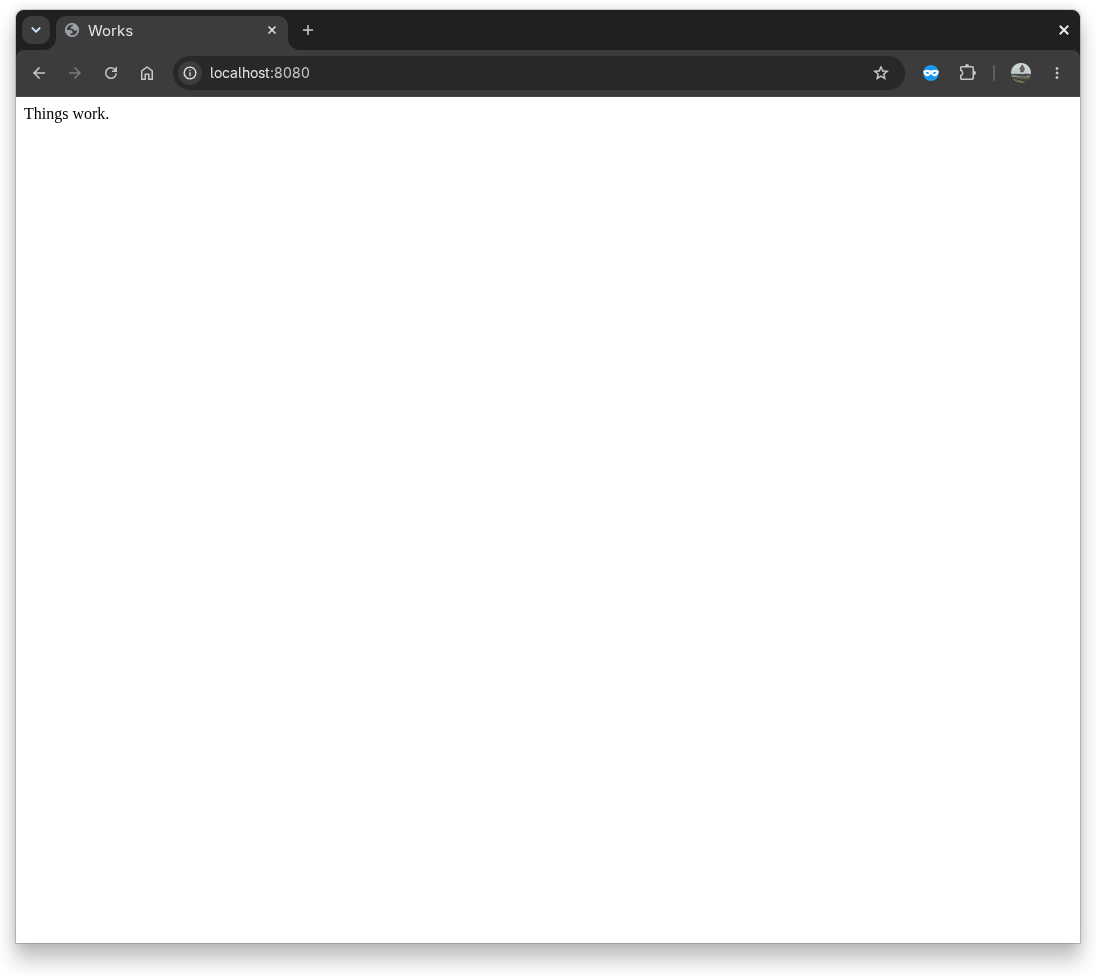
I could push this image to a container image registry, and you could download and run it with a single command, and suddenly you’re running a webserver hosting this exact same website and I know that the webserver configuration does what I intend for serving it, because the entire filesystem root of Fedora and nginx and its config is published alongside it. Or, because a couple of small text files form the whole recipe for building the image, you could rebuild it yourself - and maybe if you did, you’d get a newer Fedora base image and a newer version of nginx installed. This power - easy packaging, distribution, and hosting - is the power that bootc is wedding to atomic operating systems.
Let’s look at building a minimal Fedora bootc image that has neovim installed, because we’re all
Linux nerds here. Fedora publishes
bootc base images with everything you need
to build on top of ready to go, so let’s start with that. We know Fedora uses the dnf package manager, and I happen to
be quite sure personally that neovim is in the default repositories. So let’s tackle the great complexity of building
a custom bootc image that has neovim installed in it:
FROM quay.io/fedora/fedora-bootc:44

RUN dnf -y install neovim && dnf -y clean all
And that’s it. That’s the whole definition. Oh, what’s that? You wanted to use Bazzite with KDE and NVIDIA drivers already rolled in, but also you were shocked to hear that they didn’t already have neovim installed? Okay:
FROM ghcr.io/ublue-os/bazzite-nvidia-open:stable

RUN dnf -y install neovim && dnf -y clean all
There, now you have a custom Bazzite image definition with neovim preinstalled.
It’s been a week, and you want to update your custom Bazzite image with the latest changes from UBlue? Sure, use this command, with no changes to the Containerfile to build it:
podman build . --pull=newer -t my-neovim-bazzite
Now podman will check if there’s a newer version of the base image from the UBlue team and if there is, it’ll pull it and use that as the base on which to install neovim. If you’ve got more than one computer, you can push this image to a registry of some kind (or even have CI build it for you and do that), and then have both images get updates from your custom image.
Yes, it is that easy.
There’s a few parts that, to be fair, are maybe not that easy. Building these images, pushing them to registries, updating them regularly, even switching between different versions - bootc makes all this great. But how do you install an operating system on a computer from a container image? And anyone who knows a good amount about container images might immediately be concerned about, depending on how much you put in your Containerfile, how big the updates are going to be every time.
Those topics I’ll save for the next one, but I have really good answers for you. For now, any of you on a bootc-based
distribution thinking about customizing beyond what you’re provided - you should go look at
man bootc-switch under the --transport section. You can
tell bootc to look right at your local container image storage (well, your root user’s container image storage), and
have it look for updates from there.
We’ll explore that soon, too.
-
This is foreshadowing. ↩︎